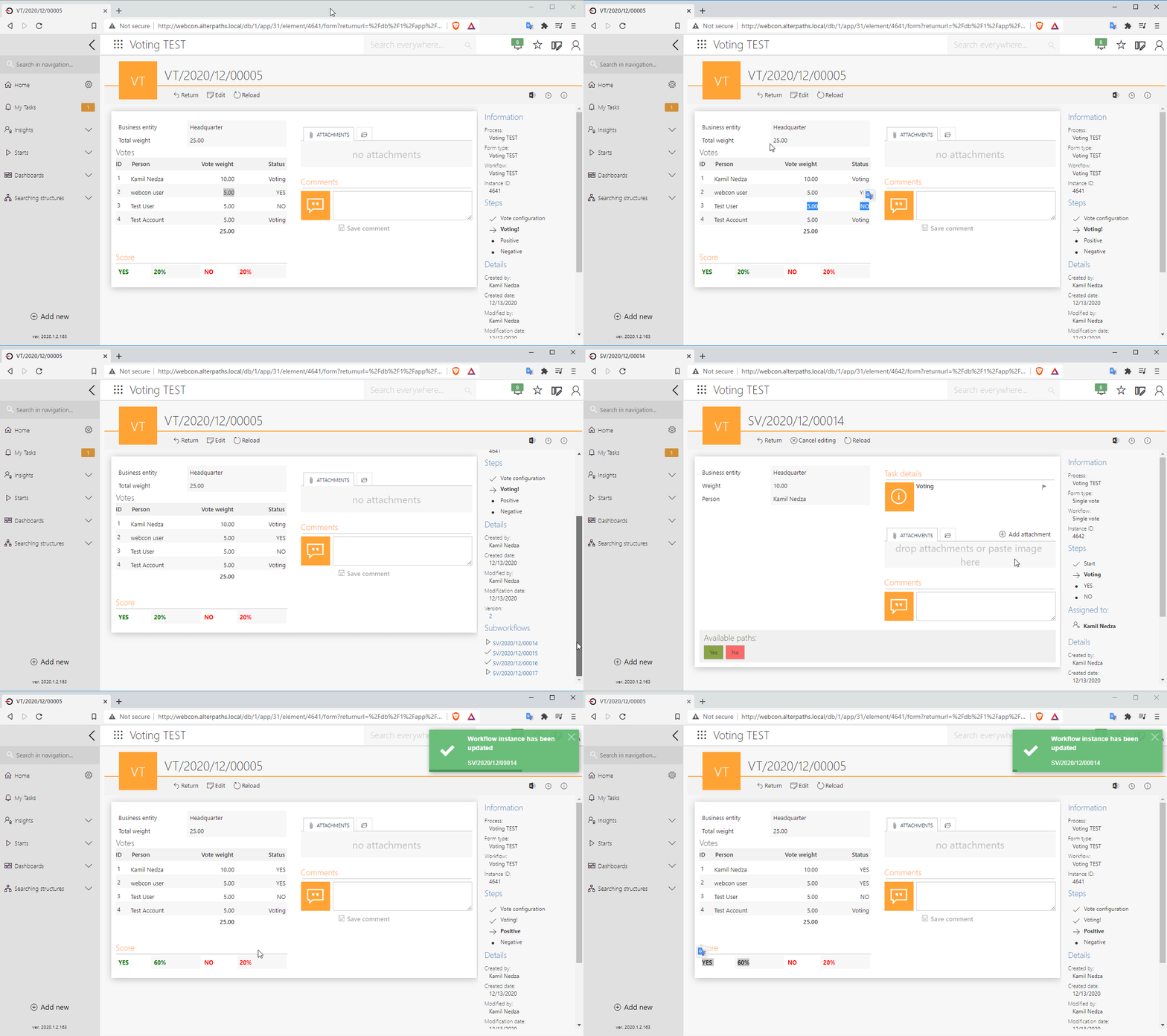
Advanced configuration of the wait for sub-workflows step using SQL query. Advanced subworkflows settings.
The wait for sub-workflows steps allows for easy and quick configuration of processes in which we deal with dependent sub-workflows. Thanks to this, we can quickly determine how the main workflow should behave depending on the behavior of sub-workflows. However, in many cases, the basic configuration is insufficient and an advanced configuration is required. Here’s how it works.
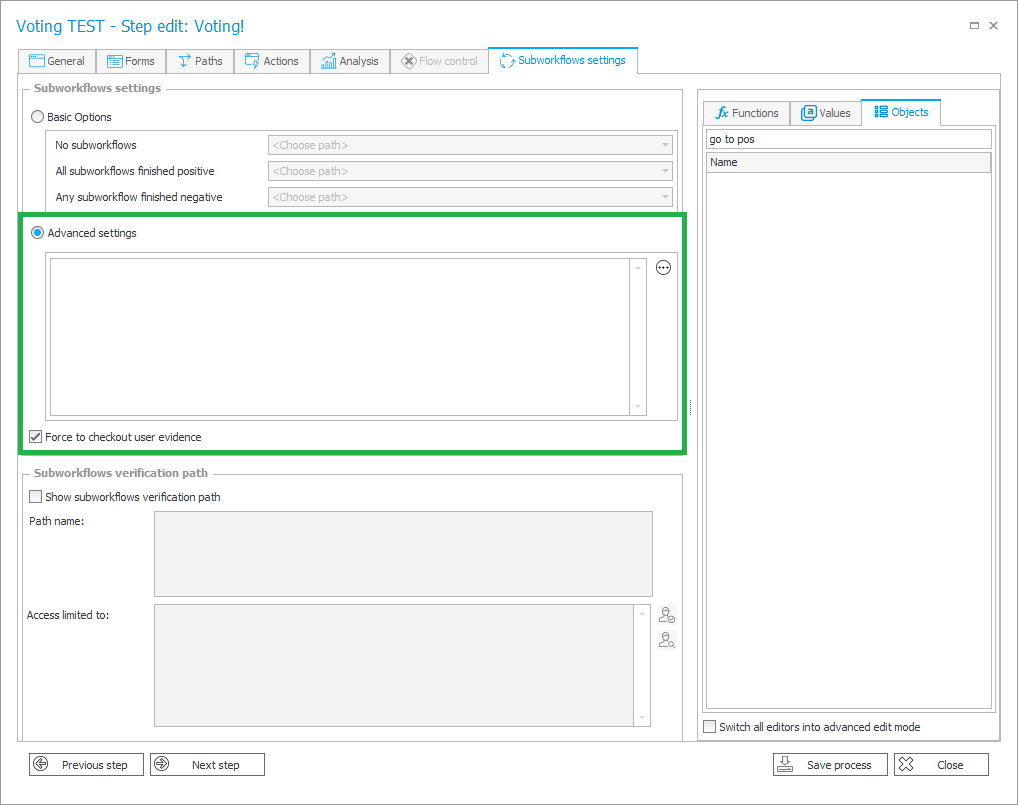
In the advanced configuration, create an SQL query that will return the identifier of the transition path on which the main workflow is to use, based on the given conditions.
Completed SQL query will be run automatically every time when:
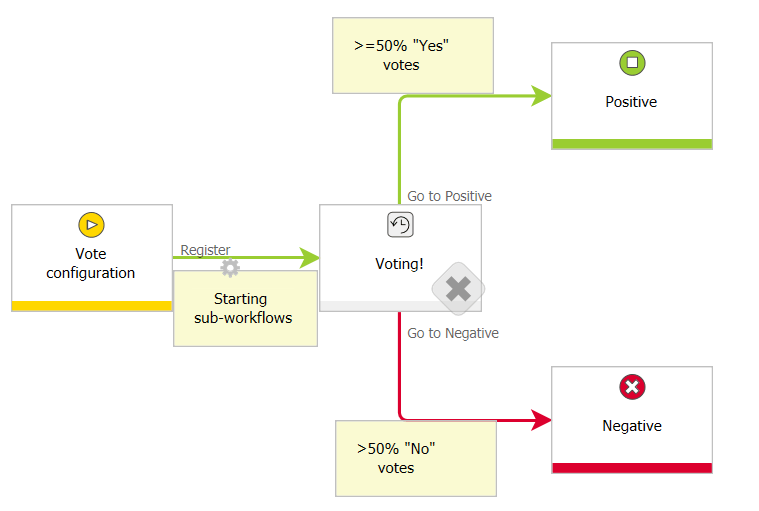
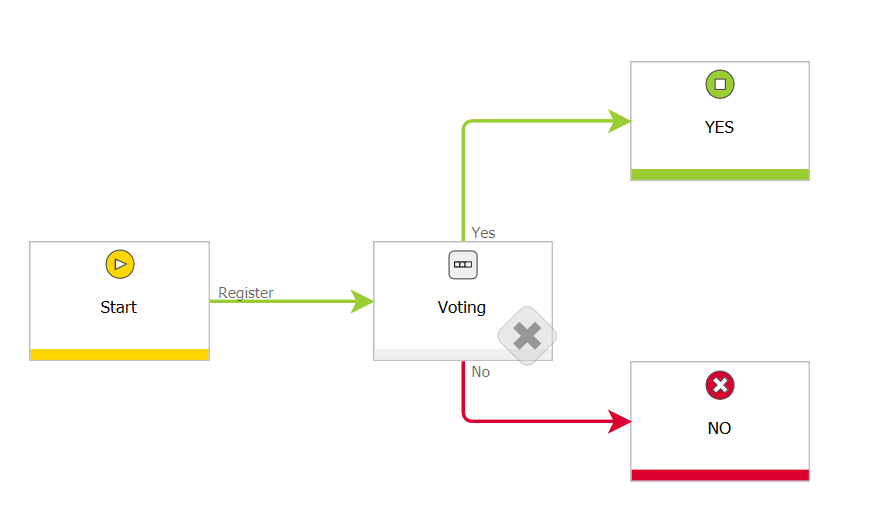
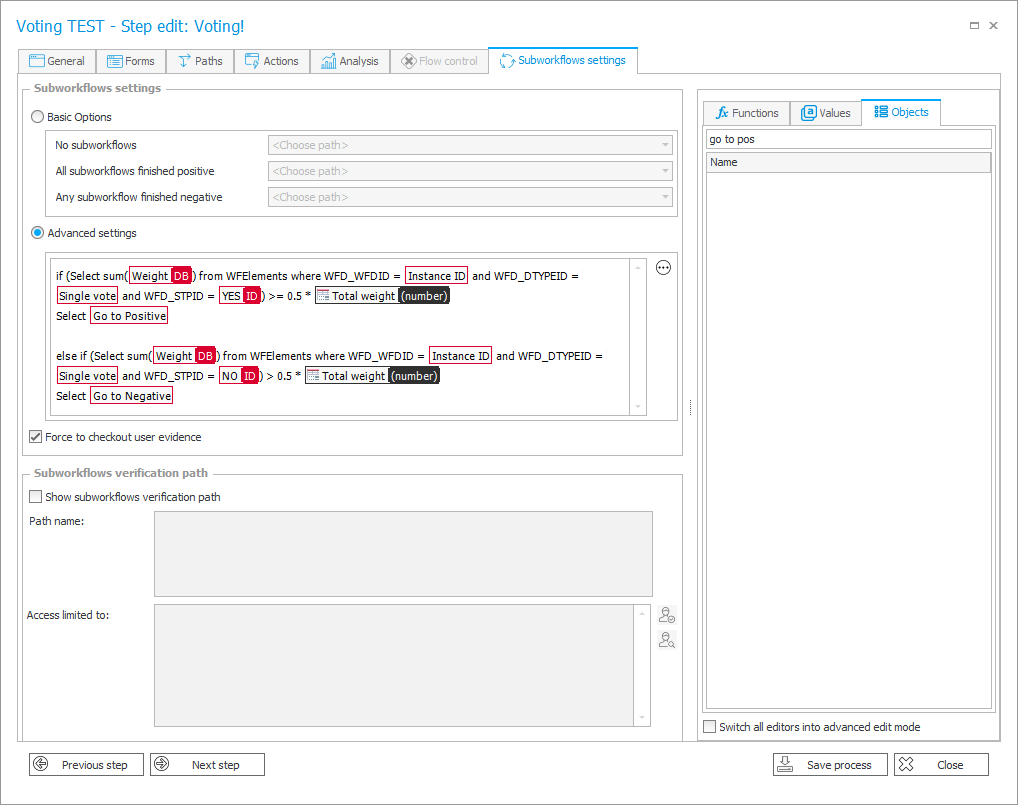
Two workflows have been configured. One main flow in which we define acceptors and the weight of their votes. After the decision makers are indicated, the workflow goes to the wait for sub-workflows step to determine if at least 50% yes votes have been collected. If at least 50% of the votes are yes, the main workflow is to go to the “Positive” step. In case that more than 50% of the votes are voted for, the main flow is to go to the step called “Negative”.
Below is the SQL query prepared by me.
WEBCON BPS local groups management using simple process. Adding and removal of multiple group users…
The article describes how to use the FOR EACH ROW form rule in practice on…
A video tutorial on how to set up a WEBON BPS home laboratory from scratch…
How to use the OPENJSON tabular function to handle a data import to WEBCON BPS…
How to configure and use REST Web Service connections using WEBCON BPS Authentication. Examples of…
How to upgrade standalone version of WEBCON BPS 2020 to 2021. The article describes the…